Bring your products and customers from Excel
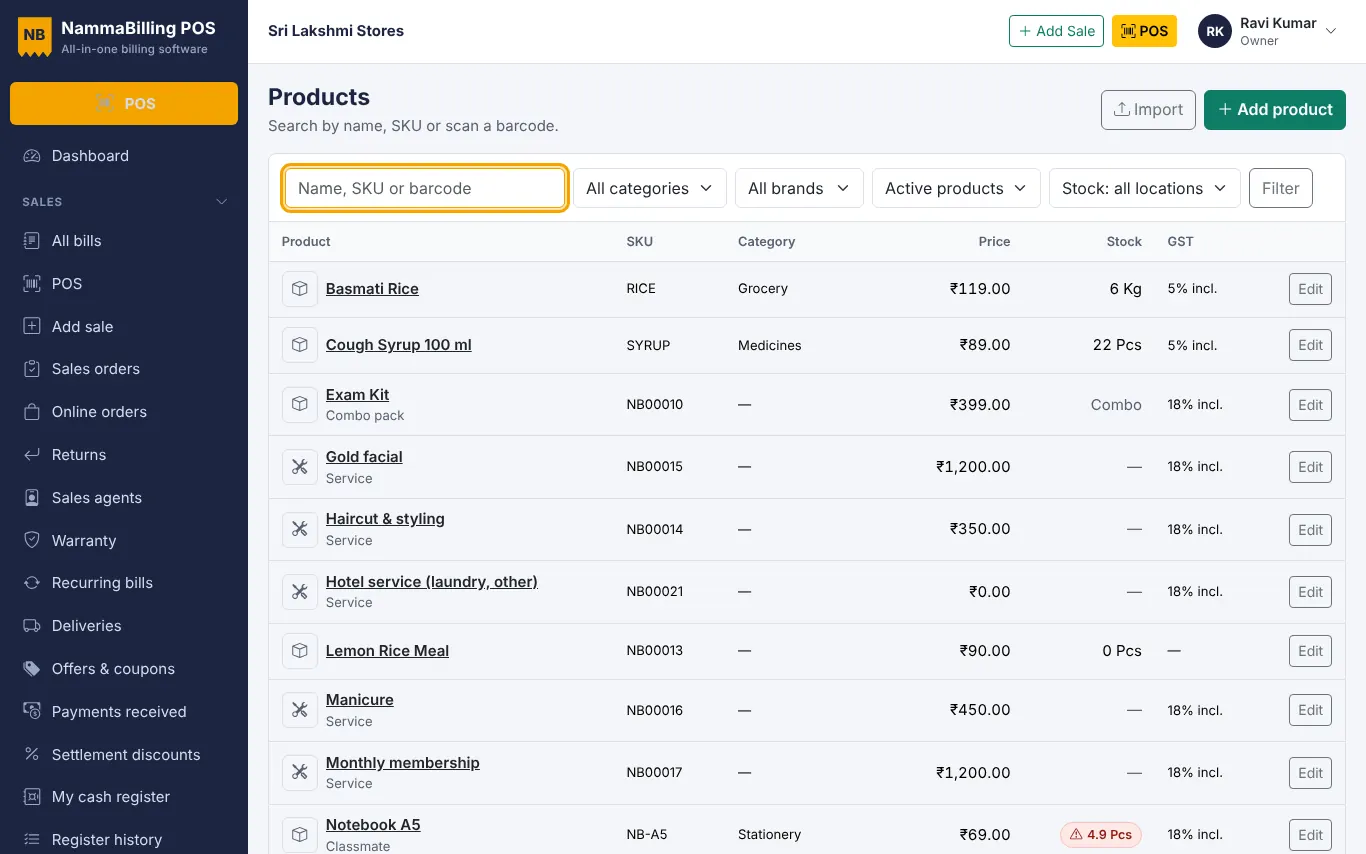
Use the sample sheets to import products, opening stock, customers and suppliers in minutes.
Most USB and Bluetooth scanners work like a keyboard – plug them in and scan into the search box on the POS screen. No setup is needed.
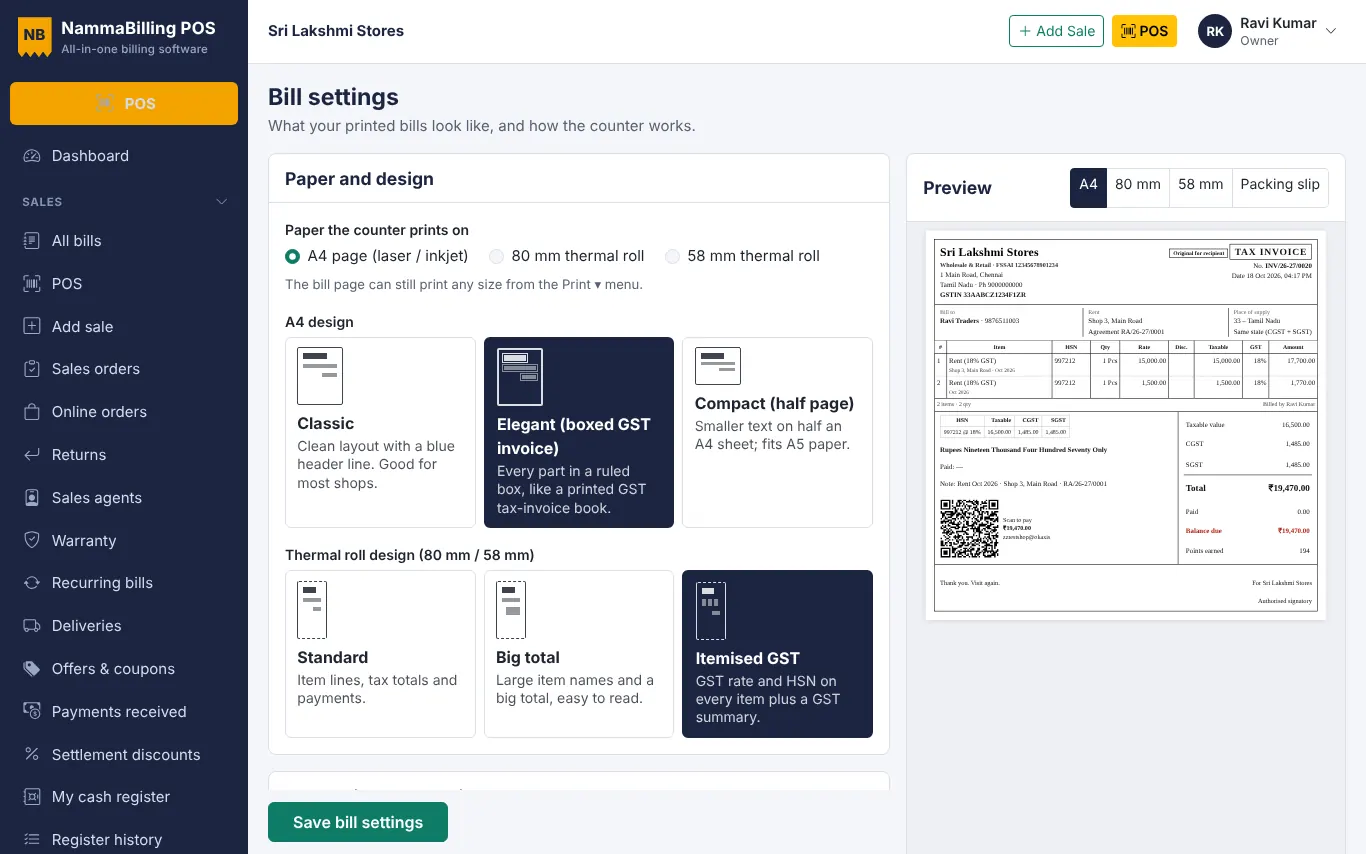
Install the printer's driver on the computer and set the paper size to 58 mm or 80 mm. In Settings › Bill, pick the thermal design and paper width, then print a test bill. Turn off headers and footers in the browser's print box for a clean receipt.
Choose a classic, elegant or compact design with your logo and colours. Each location can use its own printer and design.
Open Labels, pick items and the number of labels, choose the label size and print.
Use the sample sheets to import products, opening stock, customers and suppliers in minutes.
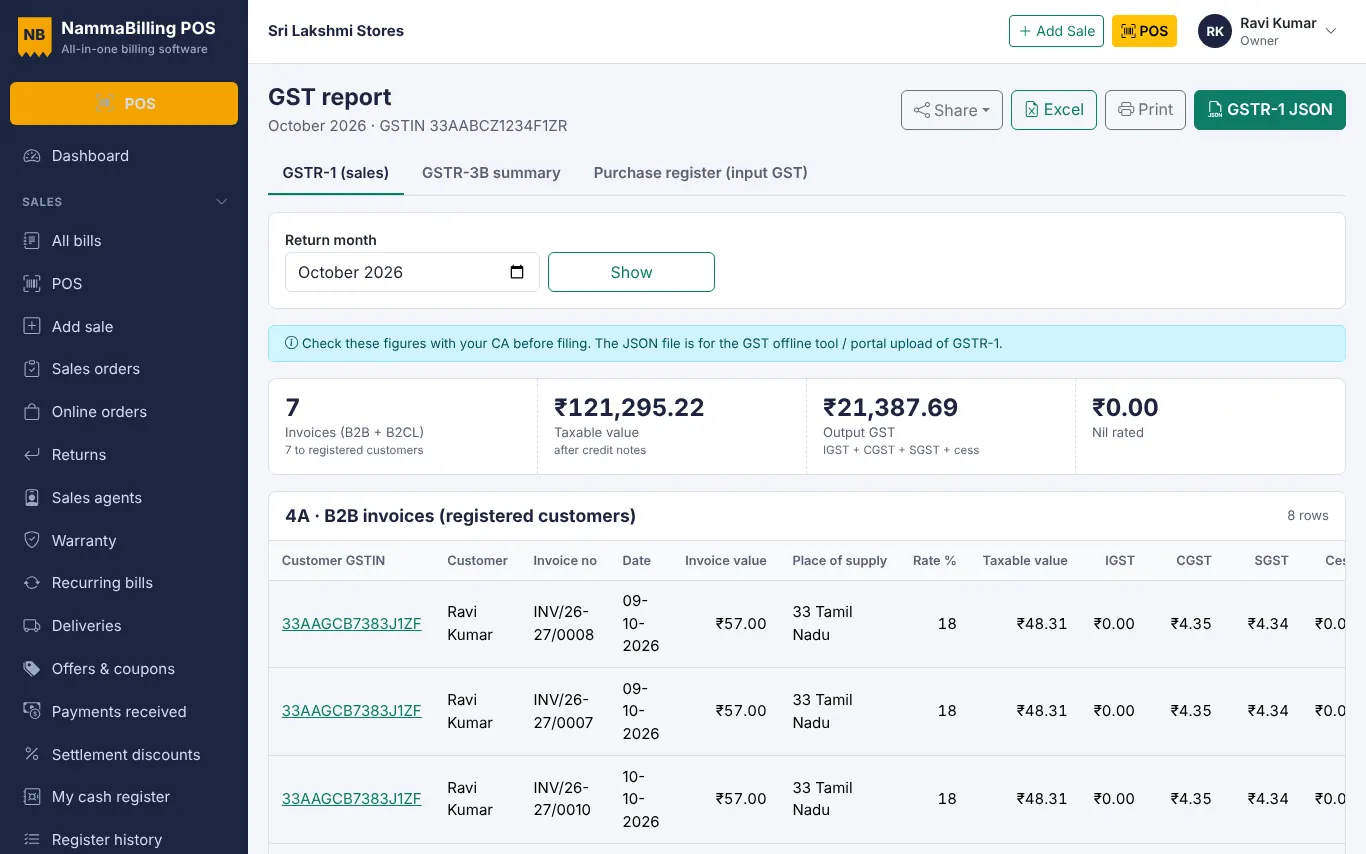
Use the GST report to check B2B, B2C and HSN tables and download the GSTR-1 JSON file.
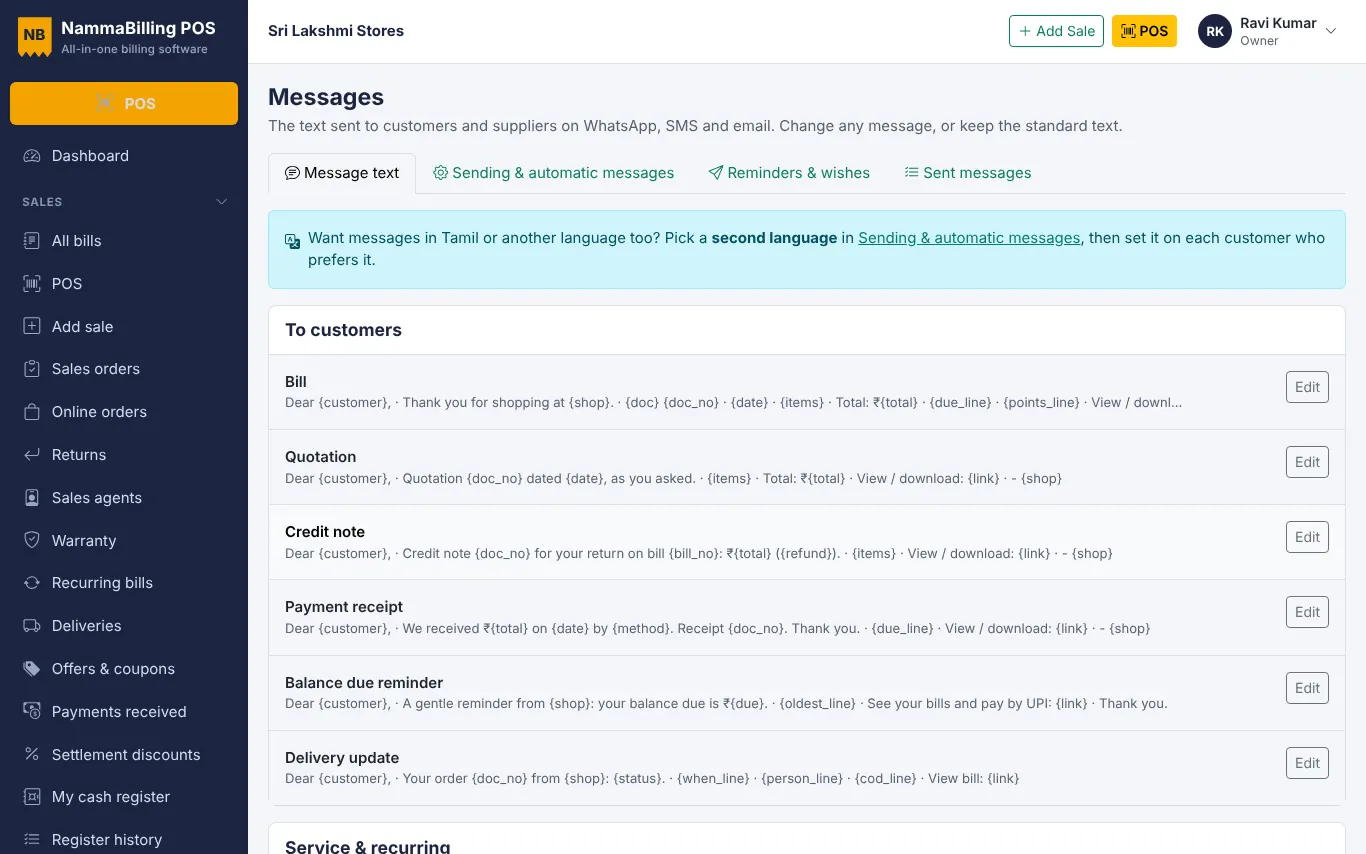
Share bills, receipts and polite due reminders with customers in one tap.
Start free – no card needed.