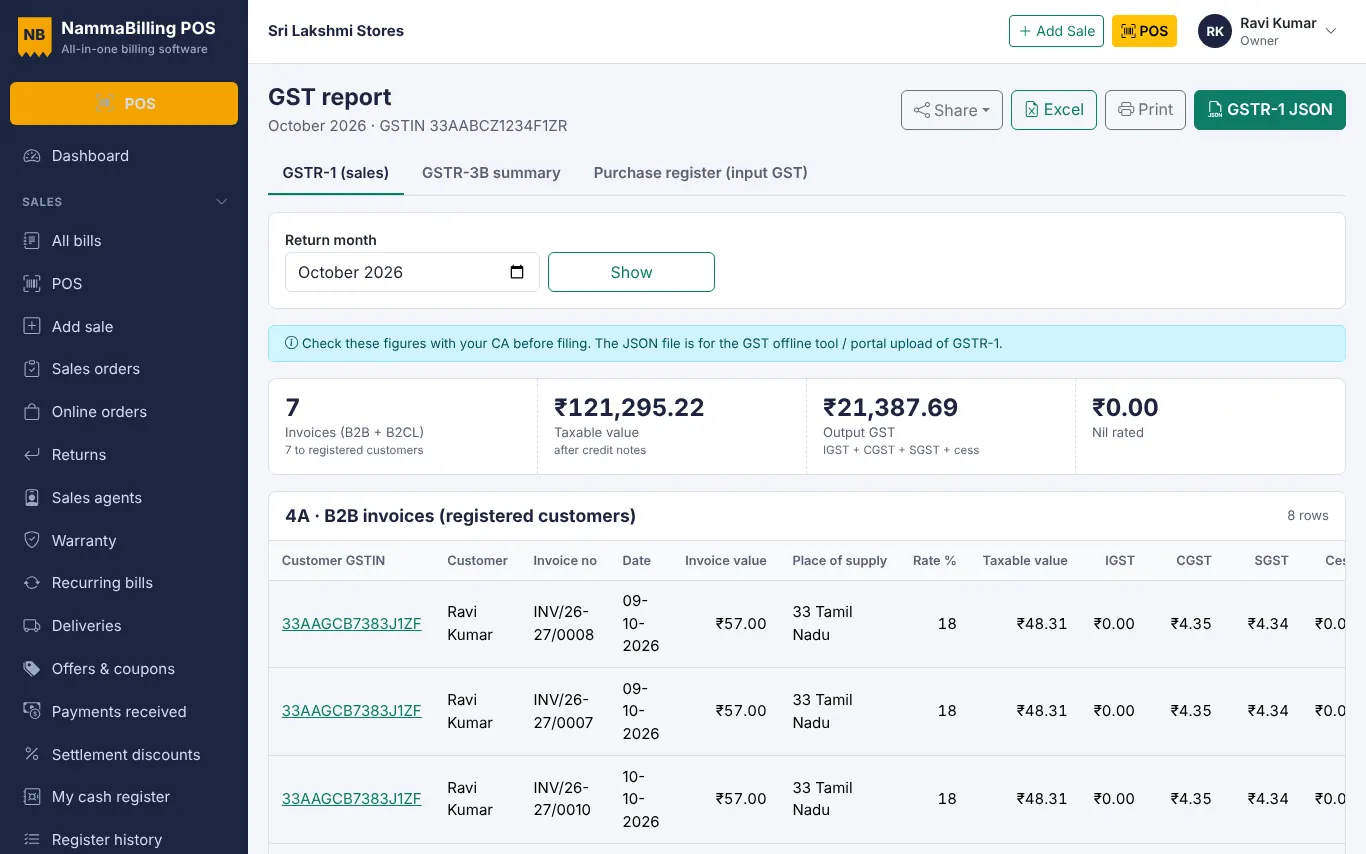
File GSTR-1 faster from your billing data
Use the GST report to check B2B, B2C and HSN tables and download the GSTR-1 JSON file.
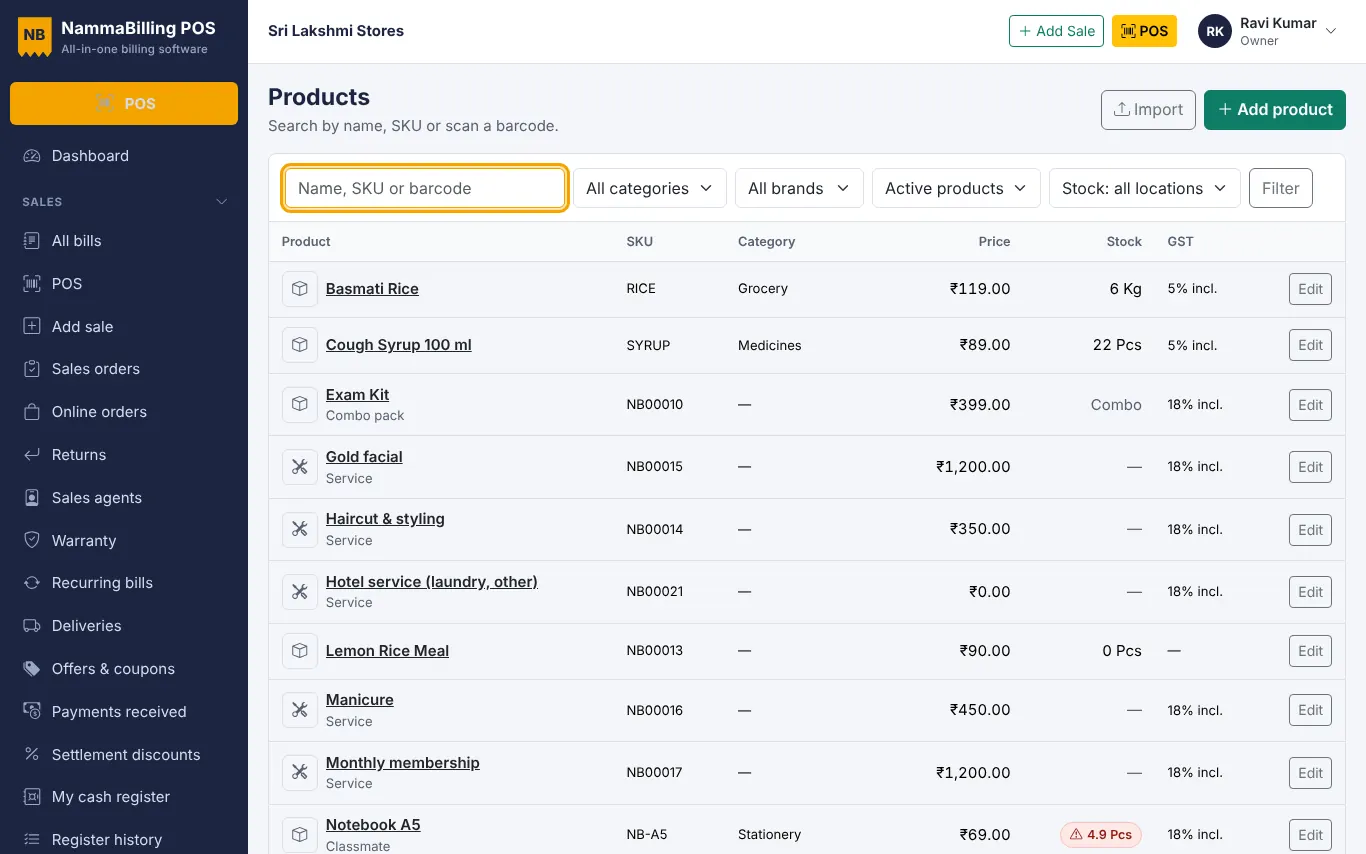
You do not need to type your items again.
Open Products › Import and download the sample file. It shows the columns – name, SKU, barcode, price, HSN, GST rate, unit and category.
Copy your items from your old software or price list into the sheet.
Upload the file. Rows with a problem are listed with the reason, so you can fix and upload again. Do the same for opening stock, customers and suppliers.
Use the GST report to check B2B, B2C and HSN tables and download the GSTR-1 JSON file.
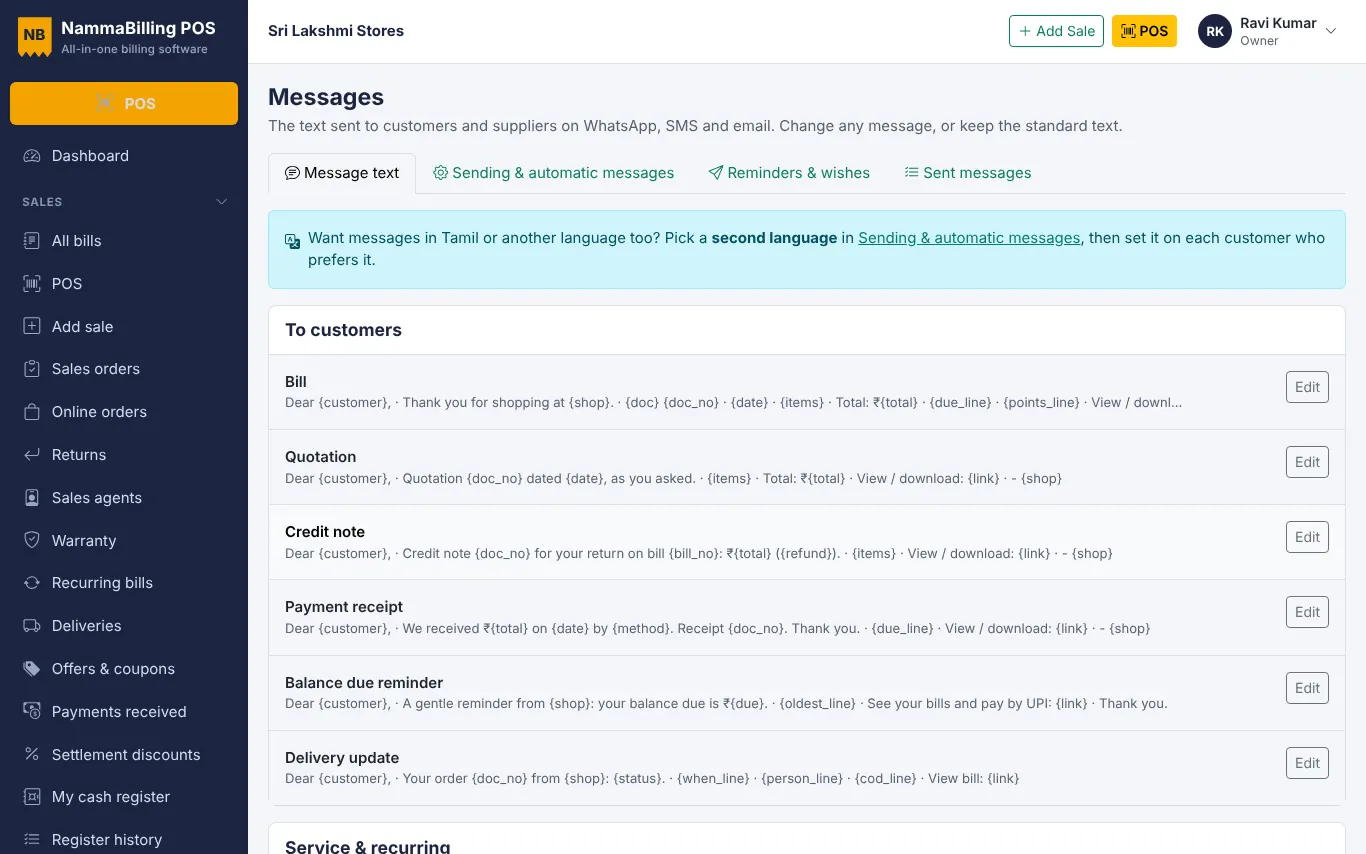
Share bills, receipts and polite due reminders with customers in one tap.
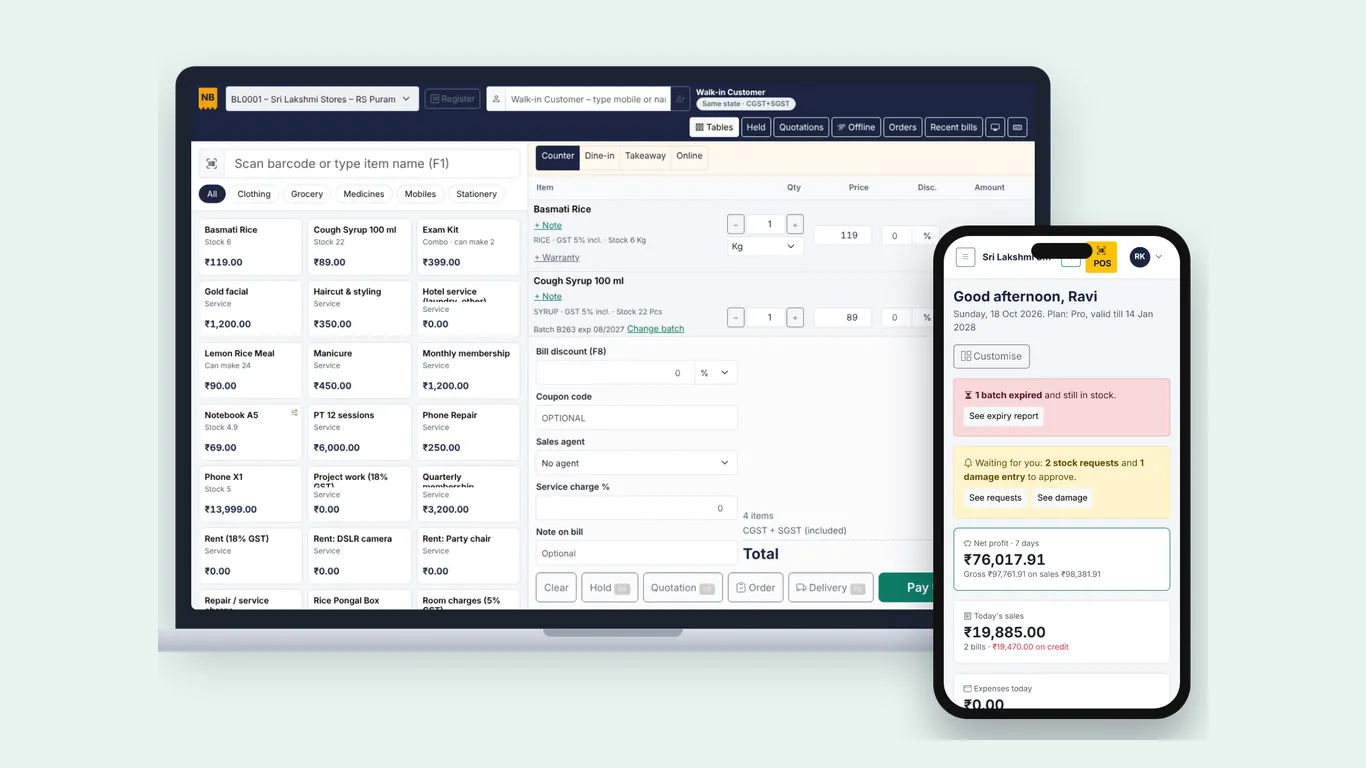
Add the app to your home screen or desktop and keep billing when the internet goes off.
Start free – no card needed.