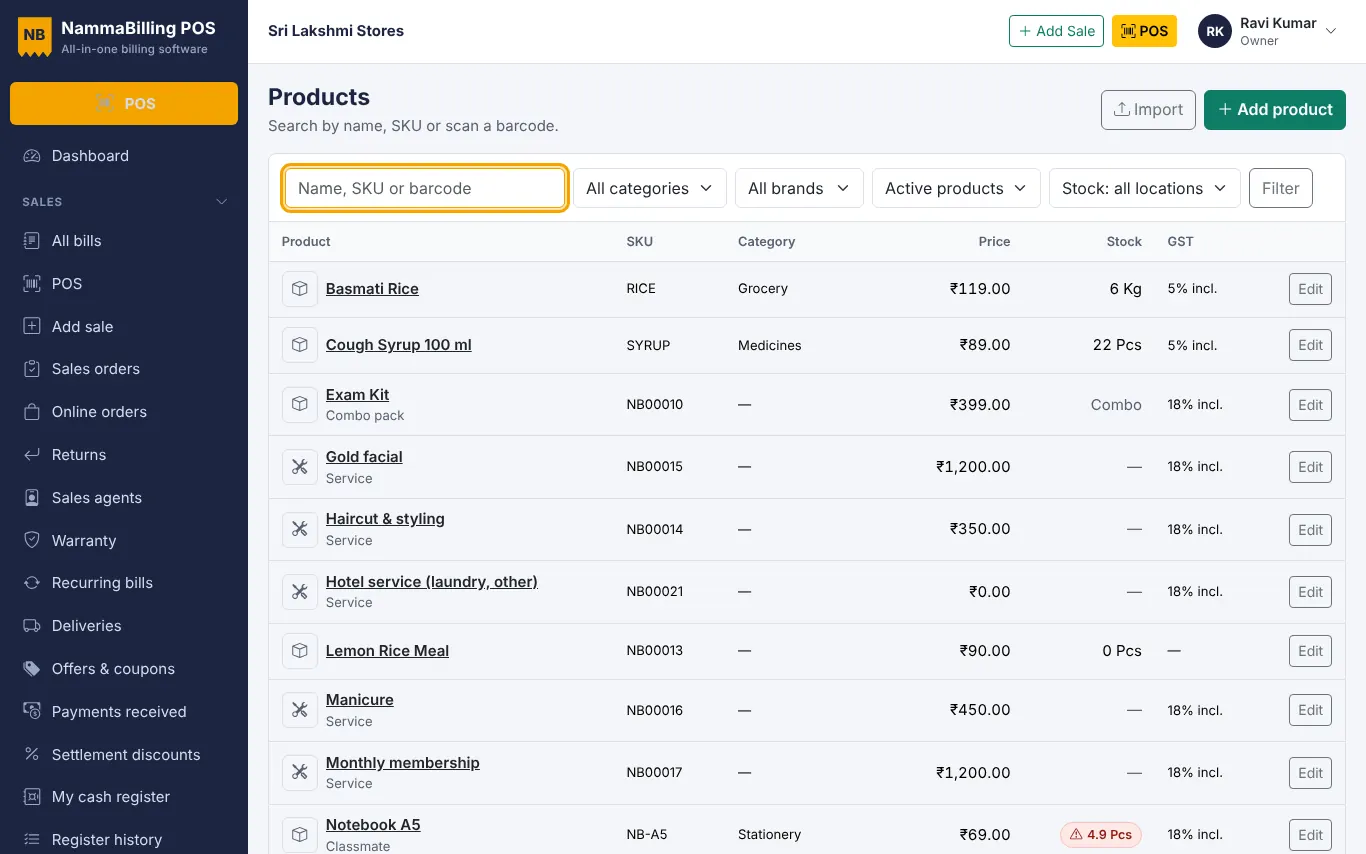
Bring your products and customers from Excel
Use the sample sheets to import products, opening stock, customers and suppliers in minutes.
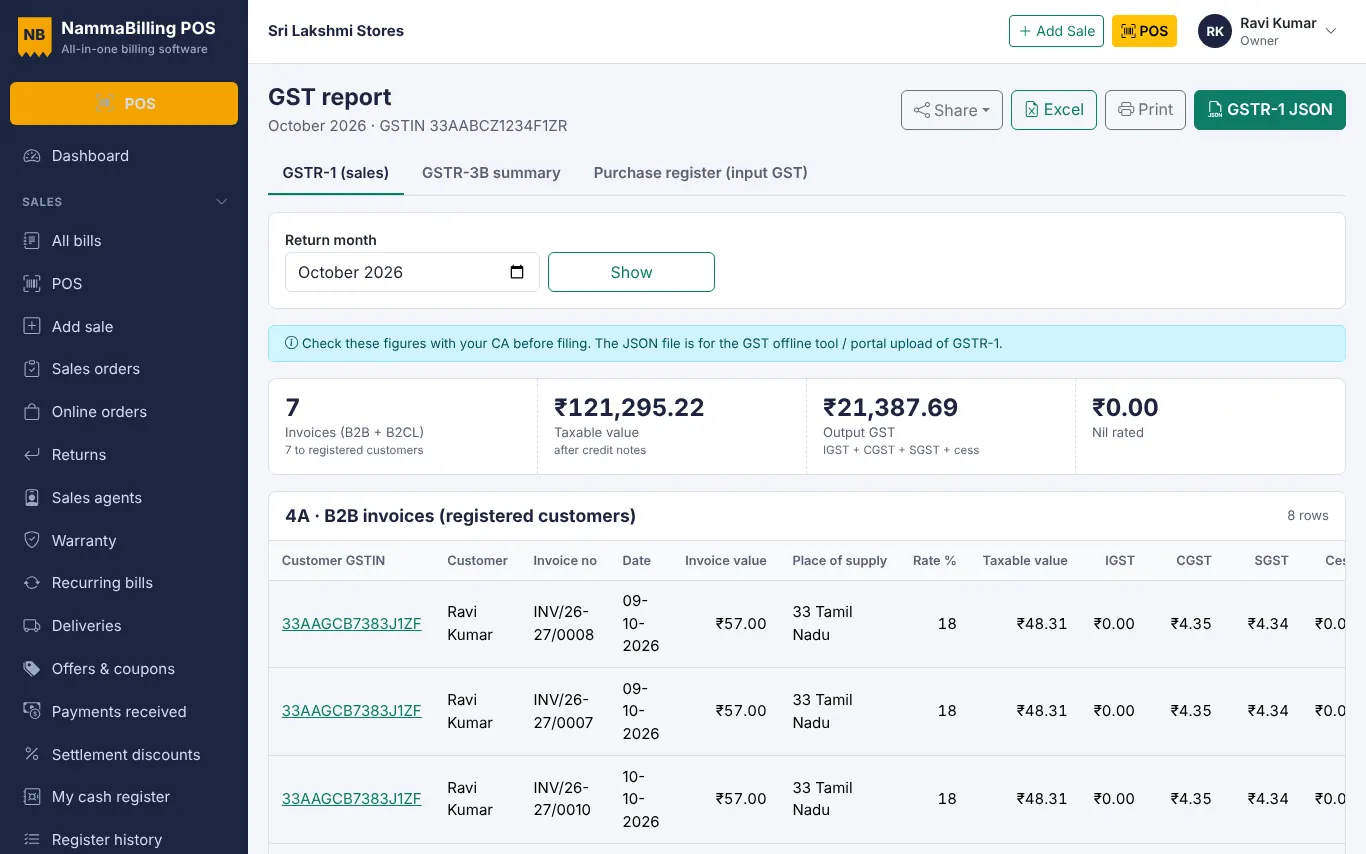
The GST report puts the month's bills into the GSTR-1 tables.
Open Reports › GST and choose the return month.
Look at B2B invoices (customers with a GSTIN), B2C, credit notes and the HSN summary. Fix a customer GSTIN or an item HSN if something looks wrong.
Download the GSTR-1 JSON and upload it in the GST offline tool or portal, or share the Excel file with your accountant.
Always check the figures with your tax advisor before filing.
Use the sample sheets to import products, opening stock, customers and suppliers in minutes.
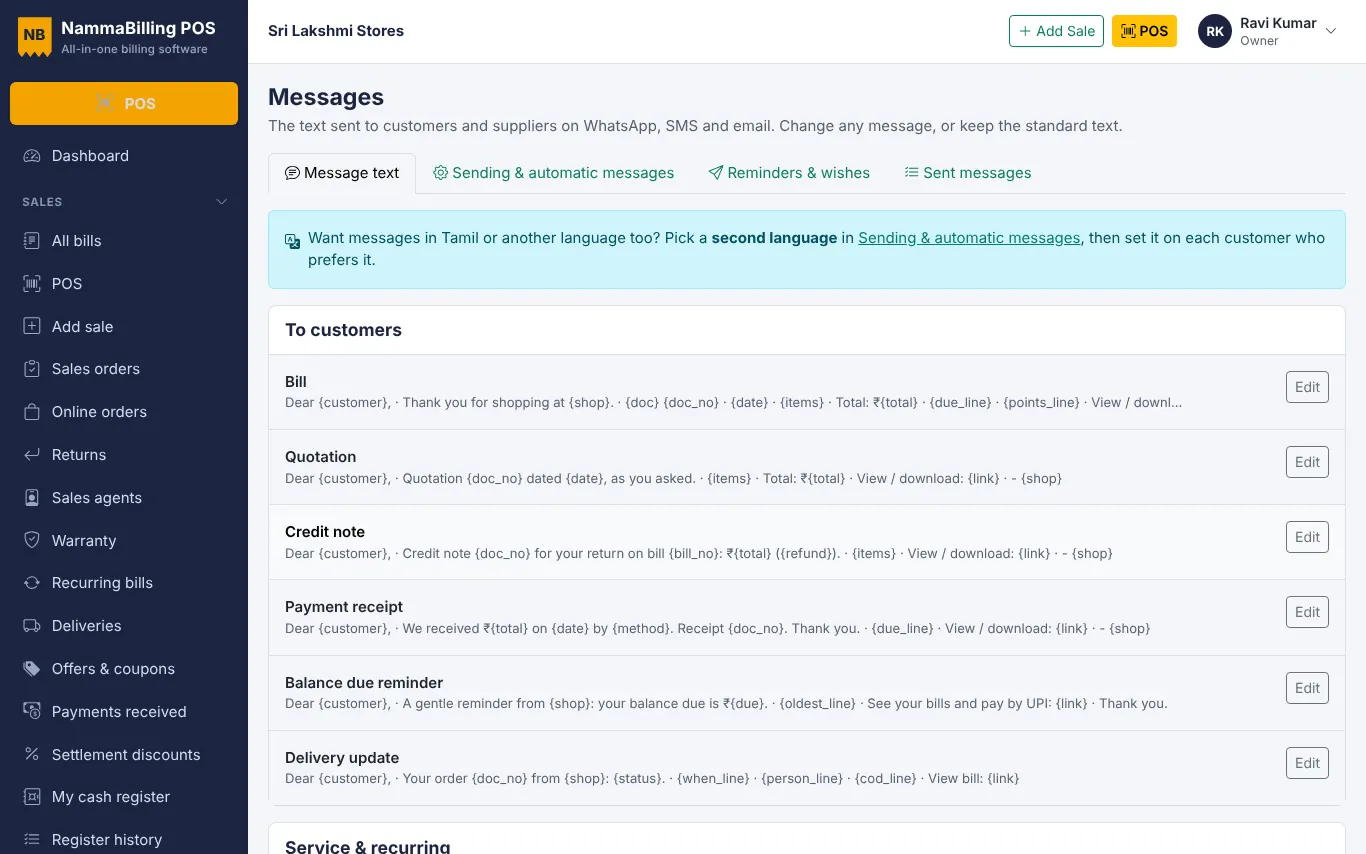
Share bills, receipts and polite due reminders with customers in one tap.
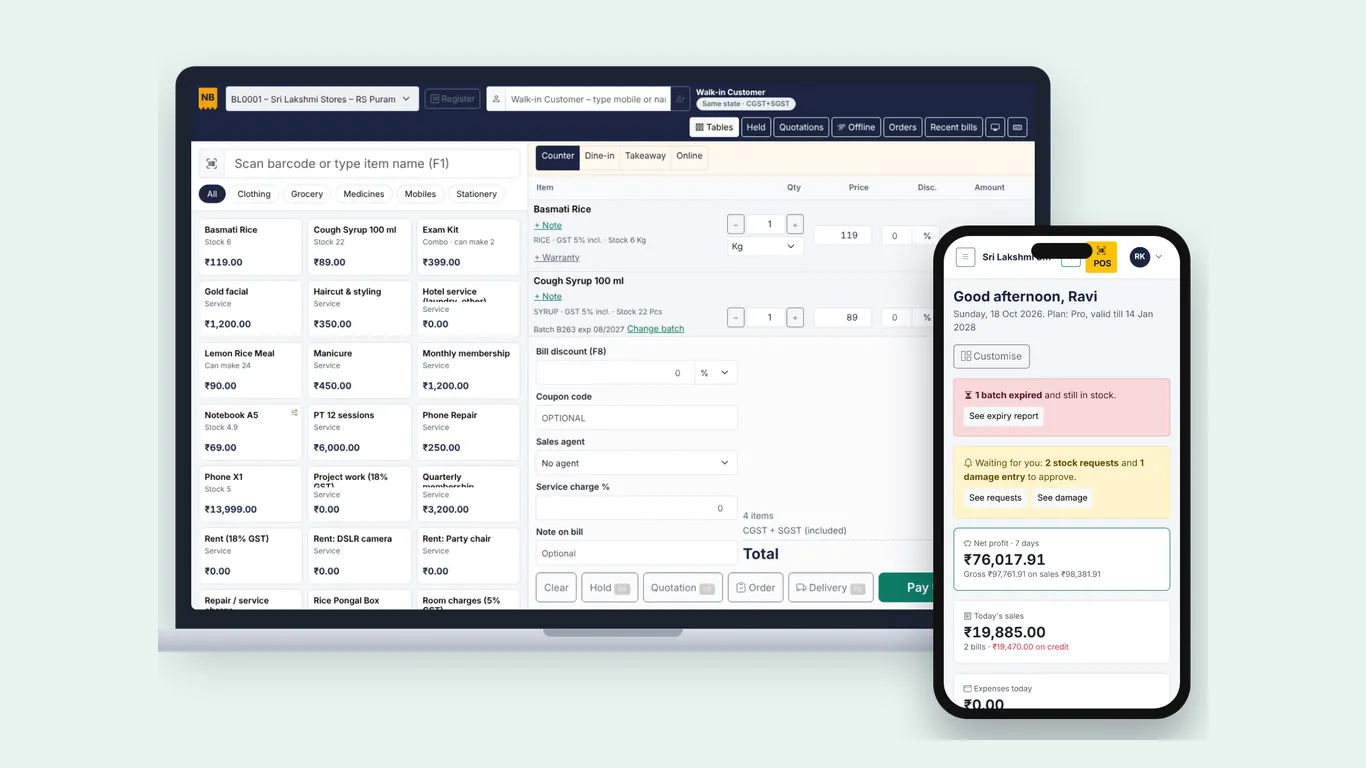
Add the app to your home screen or desktop and keep billing when the internet goes off.
Start free – no card needed.