GST billing & POS software
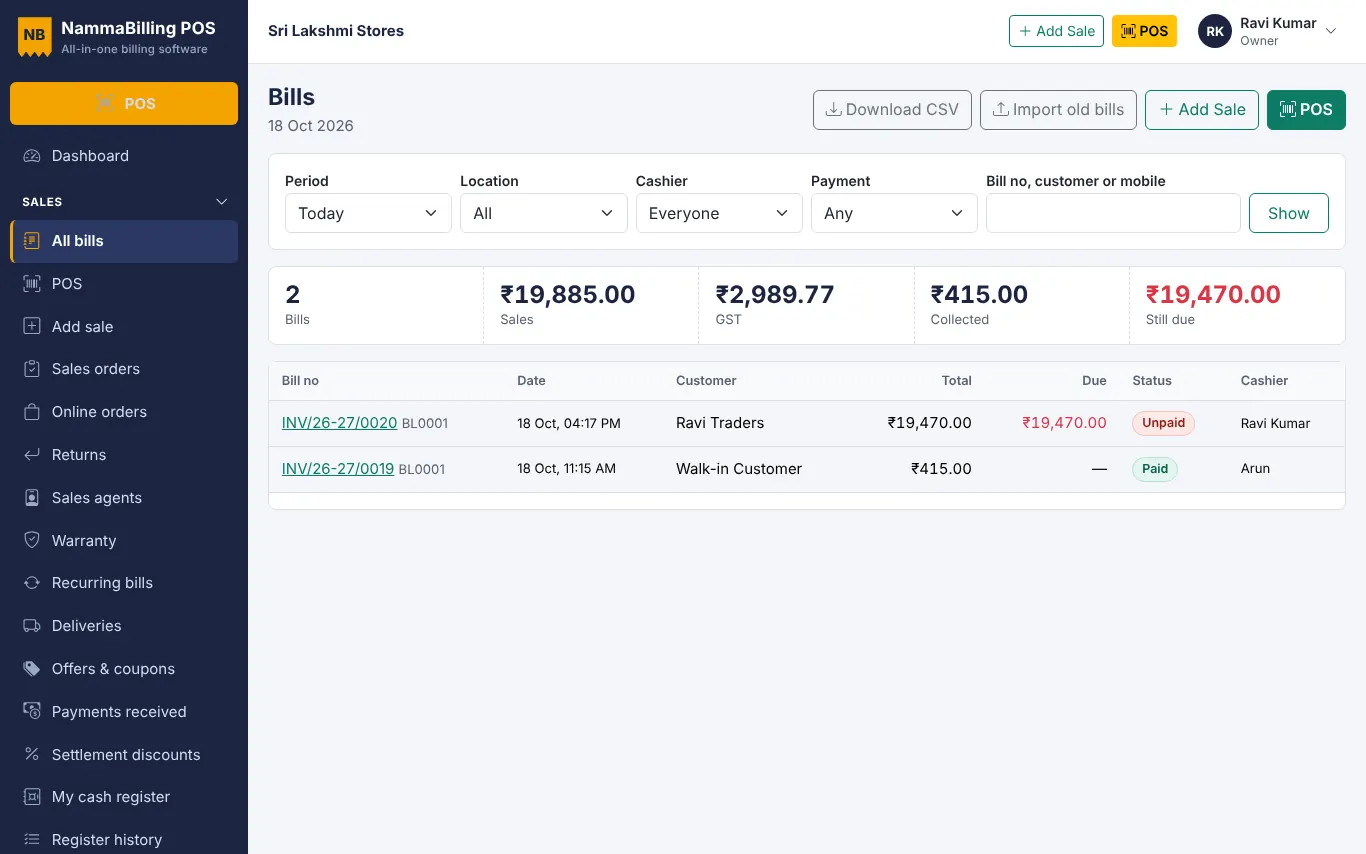
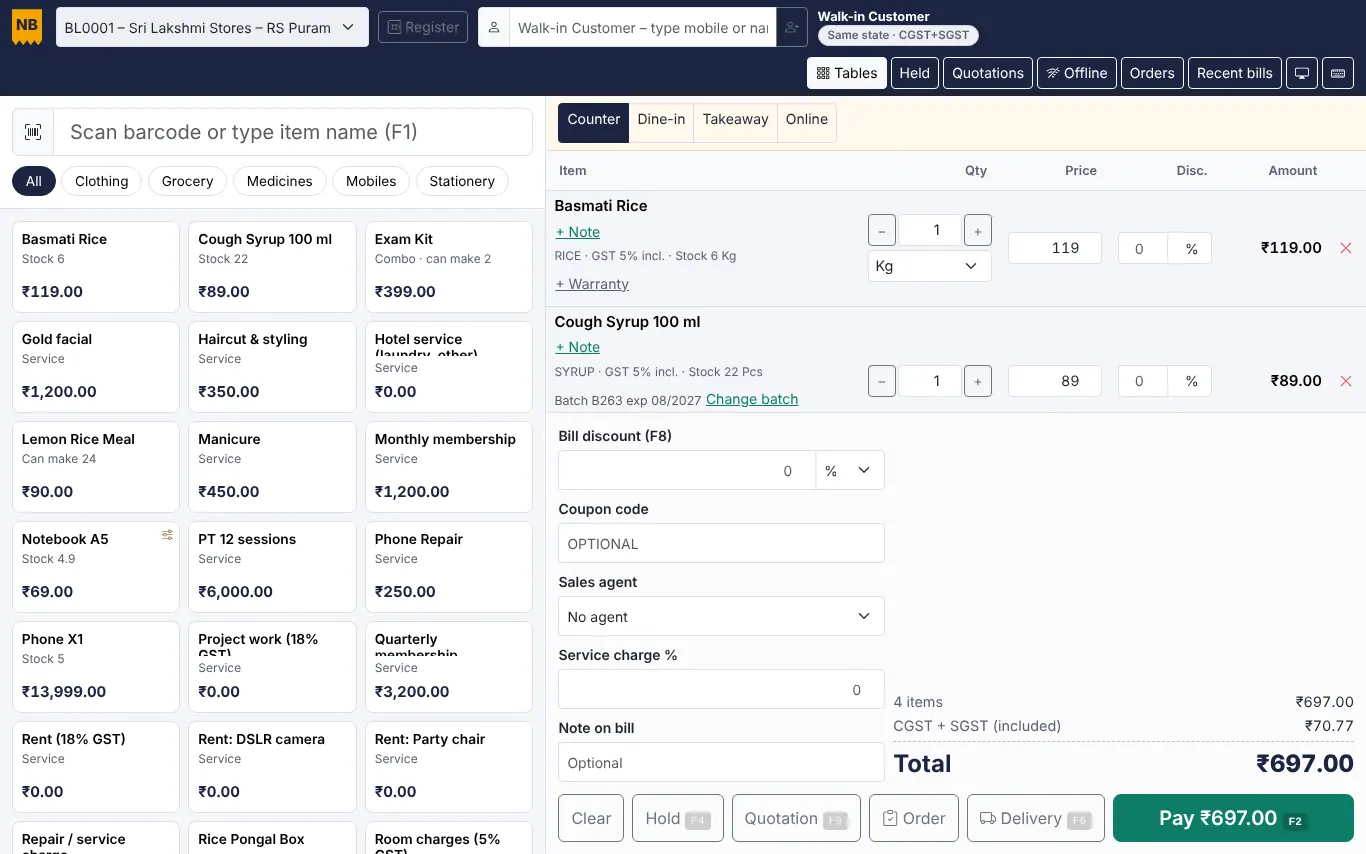
Fast counter billing with barcode, UPI QR and proper GST invoices – on any PC, tablet or phone.
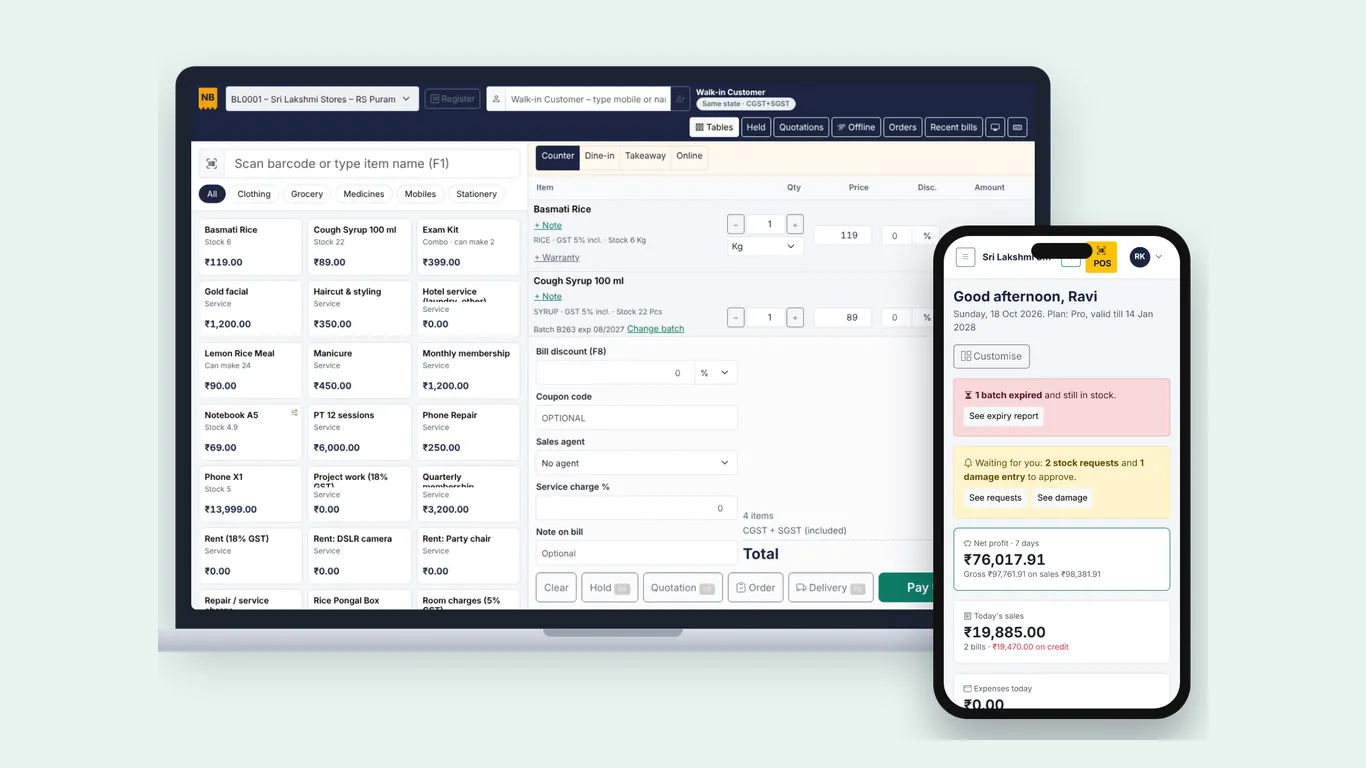
Open the app in Chrome or Edge and choose Install. It opens full screen like any other app, starts fast and keeps your items on the device.
When the connection drops, the billing screen switches to offline mode. Bills get their own offline numbers and are saved safely on the device. When the internet is back they are sent to the cloud, stock is updated and you see them in reports.
The owner can open the dashboard on a phone to see today's sales, dues, low stock and approvals waiting – from home or while travelling.
Fast counter billing with barcode, UPI QR and proper GST invoices – on any PC, tablet or phone.
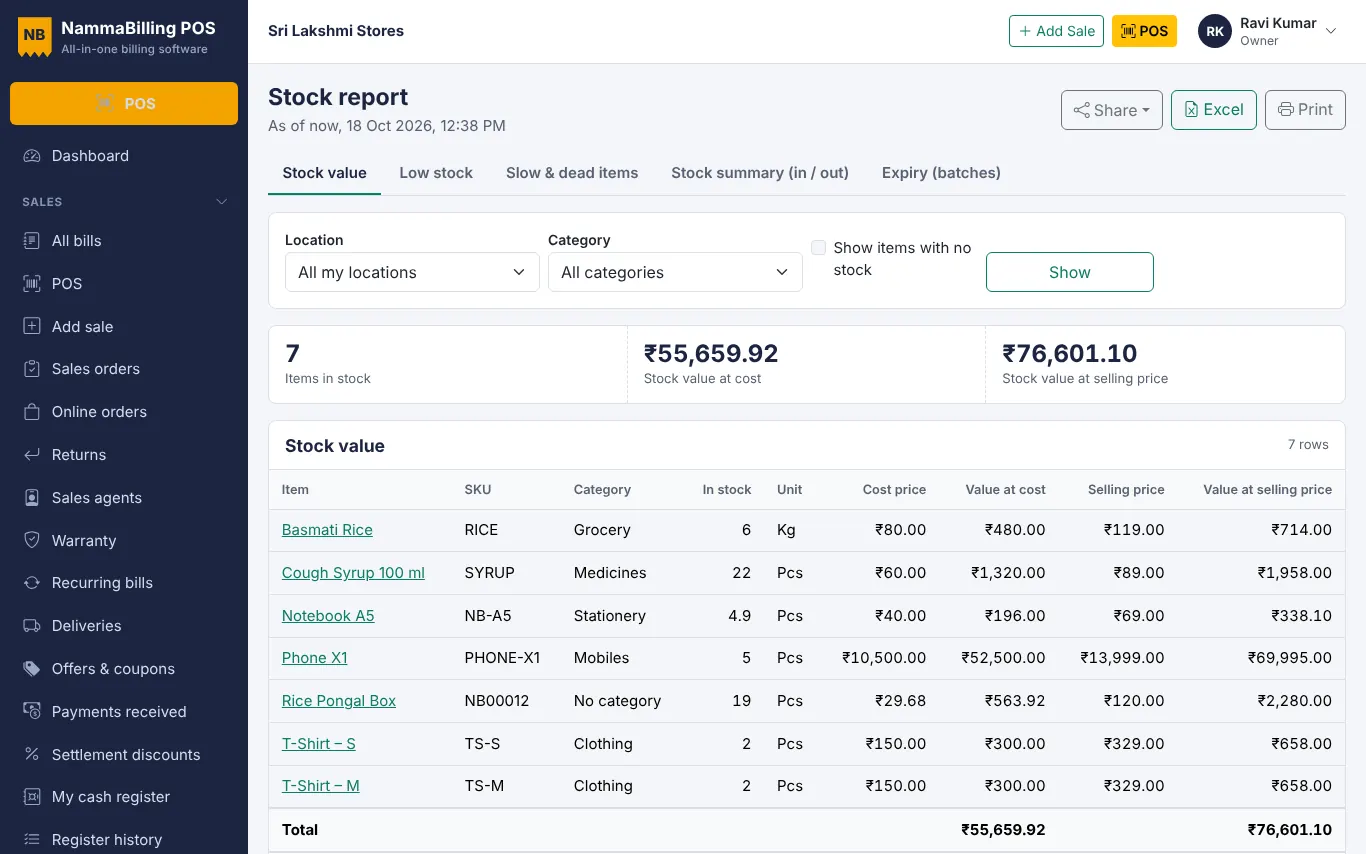
Stock that is always right – across branches and godowns, with batches, expiry, serial numbers and supplier bills.
Quick barcode billing, loose items by weight, offers and many counters – for supermarkets and kirana stores.
Start free – no card needed.