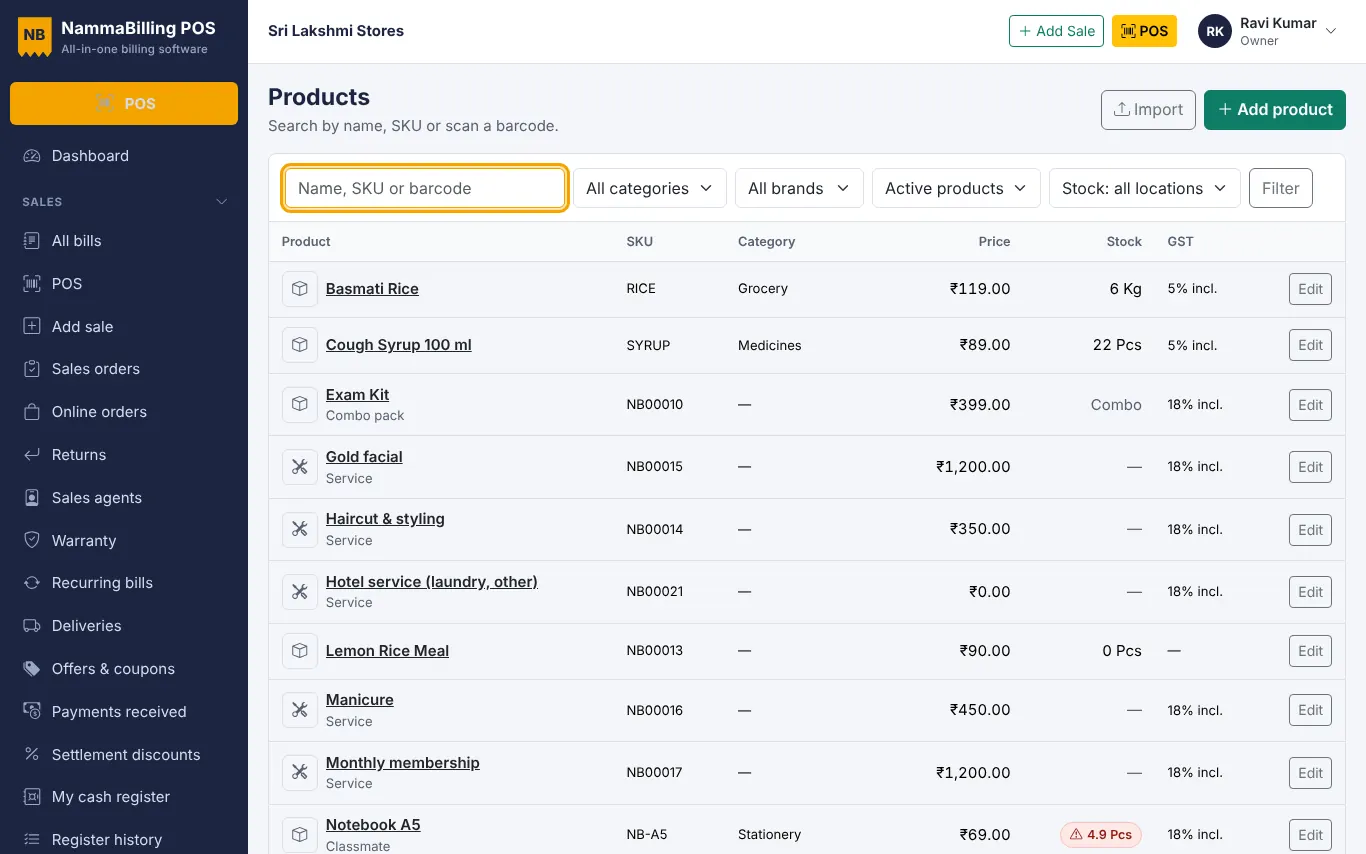
Bring your products and customers from Excel
Use the sample sheets to import products, opening stock, customers and suppliers in minutes.
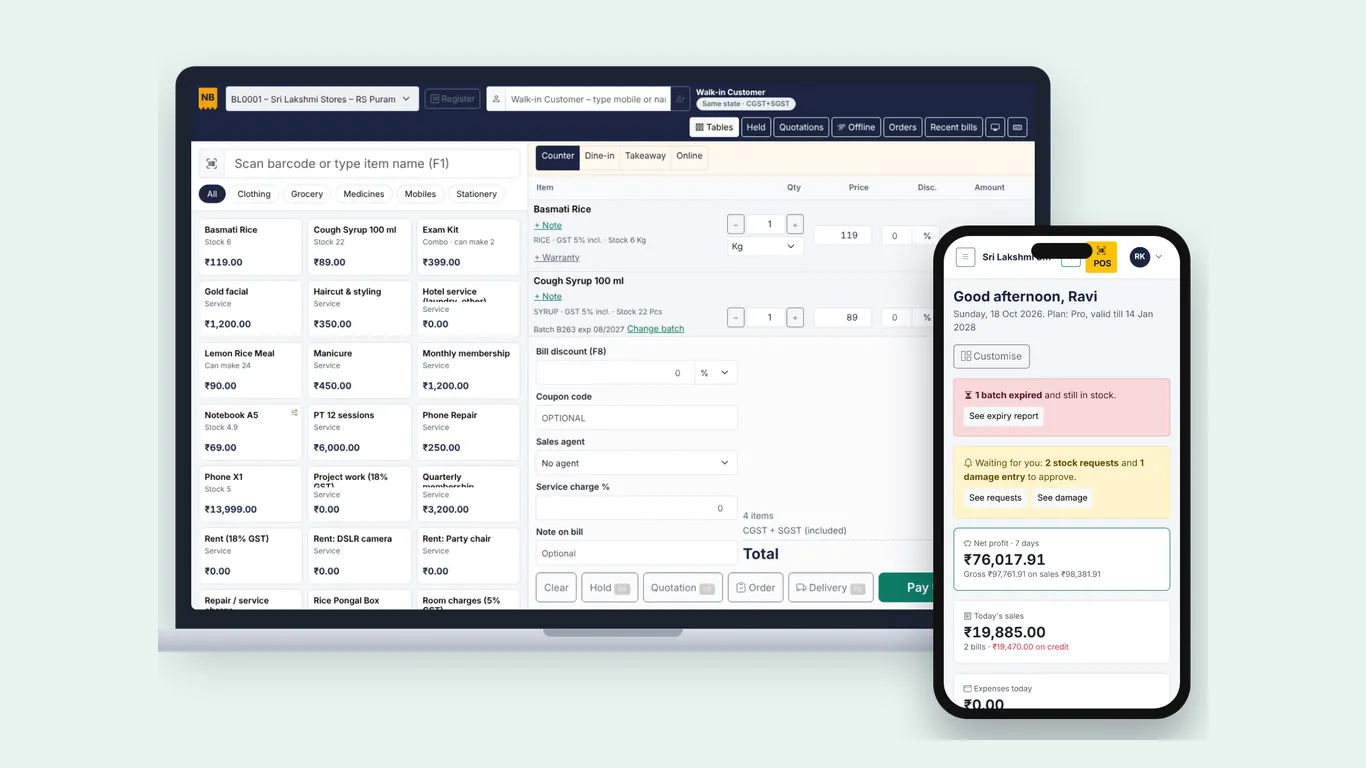
The app installs straight from the browser.
Open the app in Chrome or Edge and click the install icon in the address bar (or Install app from the menu).
Open it in Chrome, tap the menu and choose Add to Home screen or Install app.
Open the billing screen once while online so items are saved on the device. If the internet drops, keep billing – bills get offline numbers. When the connection is back they are sent automatically; you can also open Offline on the POS screen to send them.
Use the sample sheets to import products, opening stock, customers and suppliers in minutes.
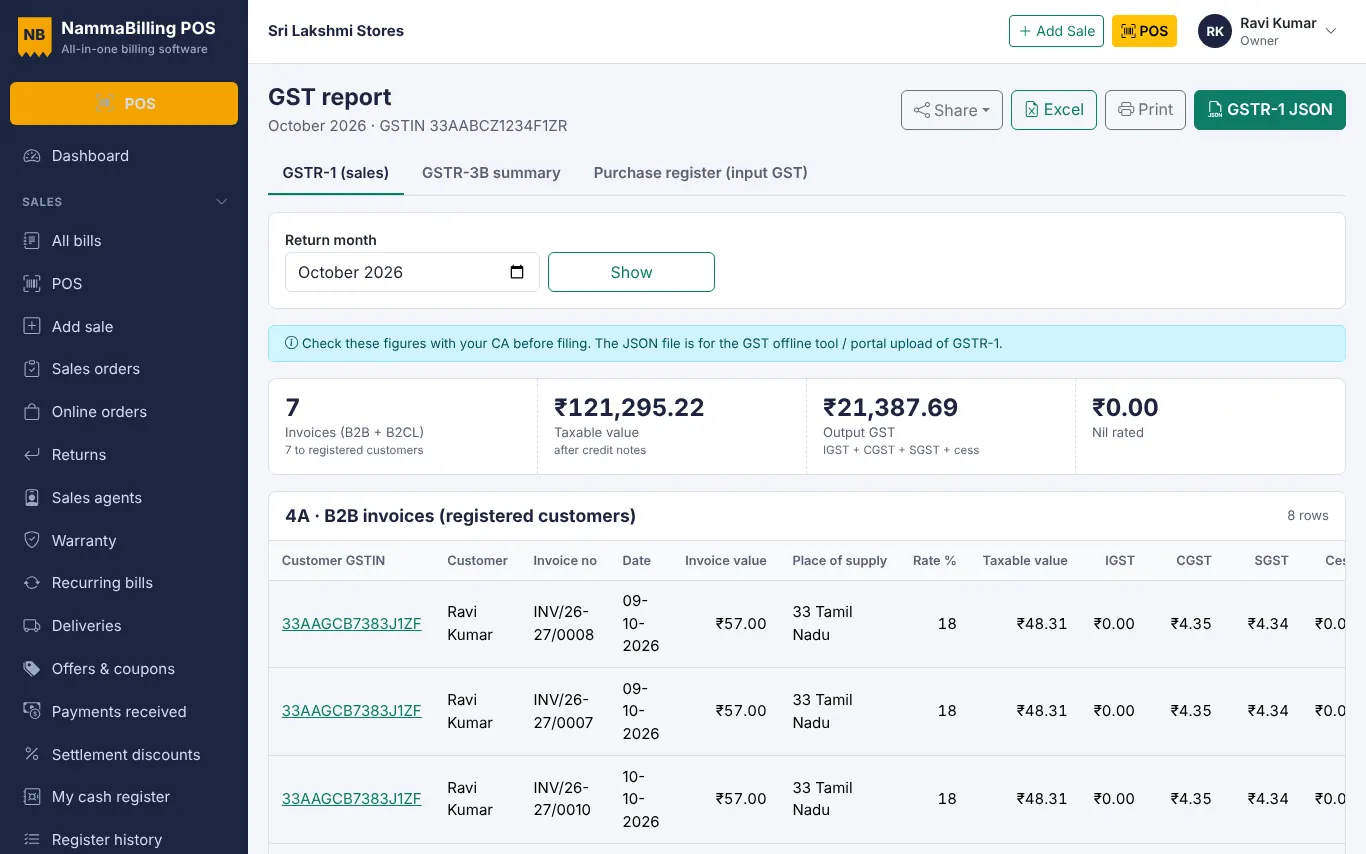
Use the GST report to check B2B, B2C and HSN tables and download the GSTR-1 JSON file.
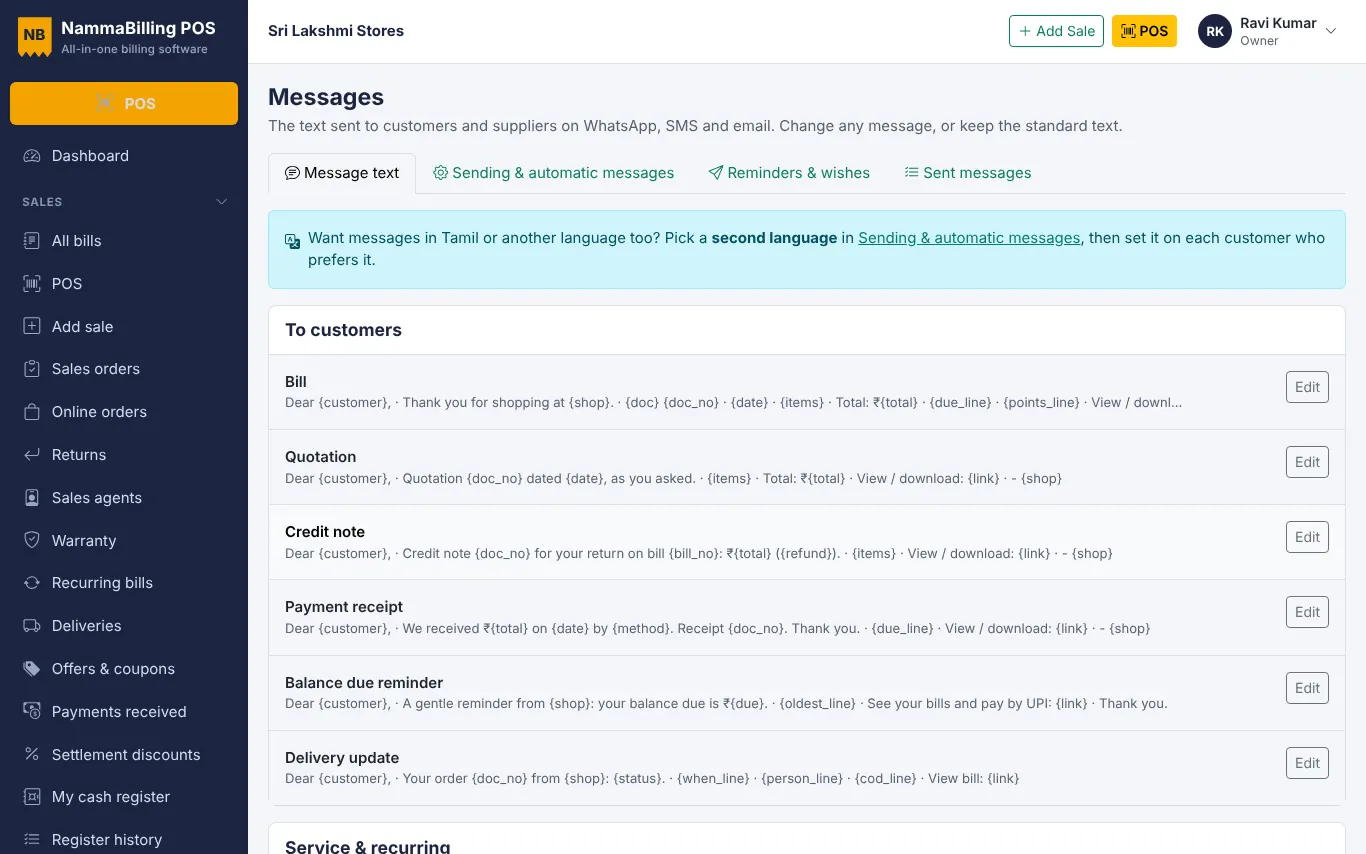
Share bills, receipts and polite due reminders with customers in one tap.
Start free – no card needed.