Bring your products and customers from Excel
Use the sample sheets to import products, opening stock, customers and suppliers in minutes.
This guide takes you from a new account to a printed GST tax invoice.
Open Settings › Business and fill in your GSTIN, address and state. The state decides whether a bill gets CGST + SGST or IGST.
Common GST rates (0%, 5%, 12%, 18%, 28%) are ready under Tax rates. Add cess if you need it.
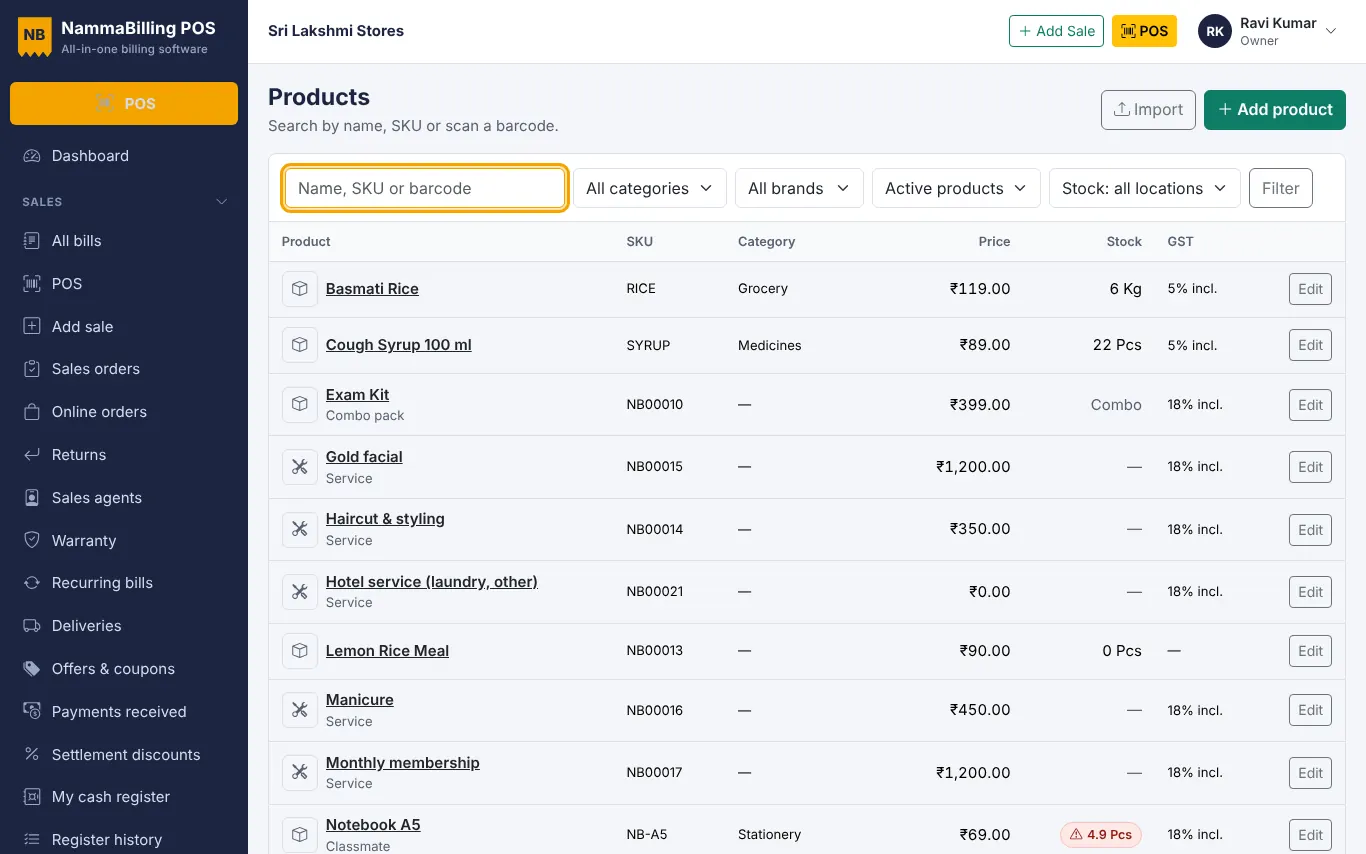
In Products, add the item name, price, HSN code and GST rate. Tick whether the price includes tax.
Open POS, scan or tap the item, pick the customer (or keep Walk-in), and press Pay. Choose the payment – cash, card, UPI or credit.
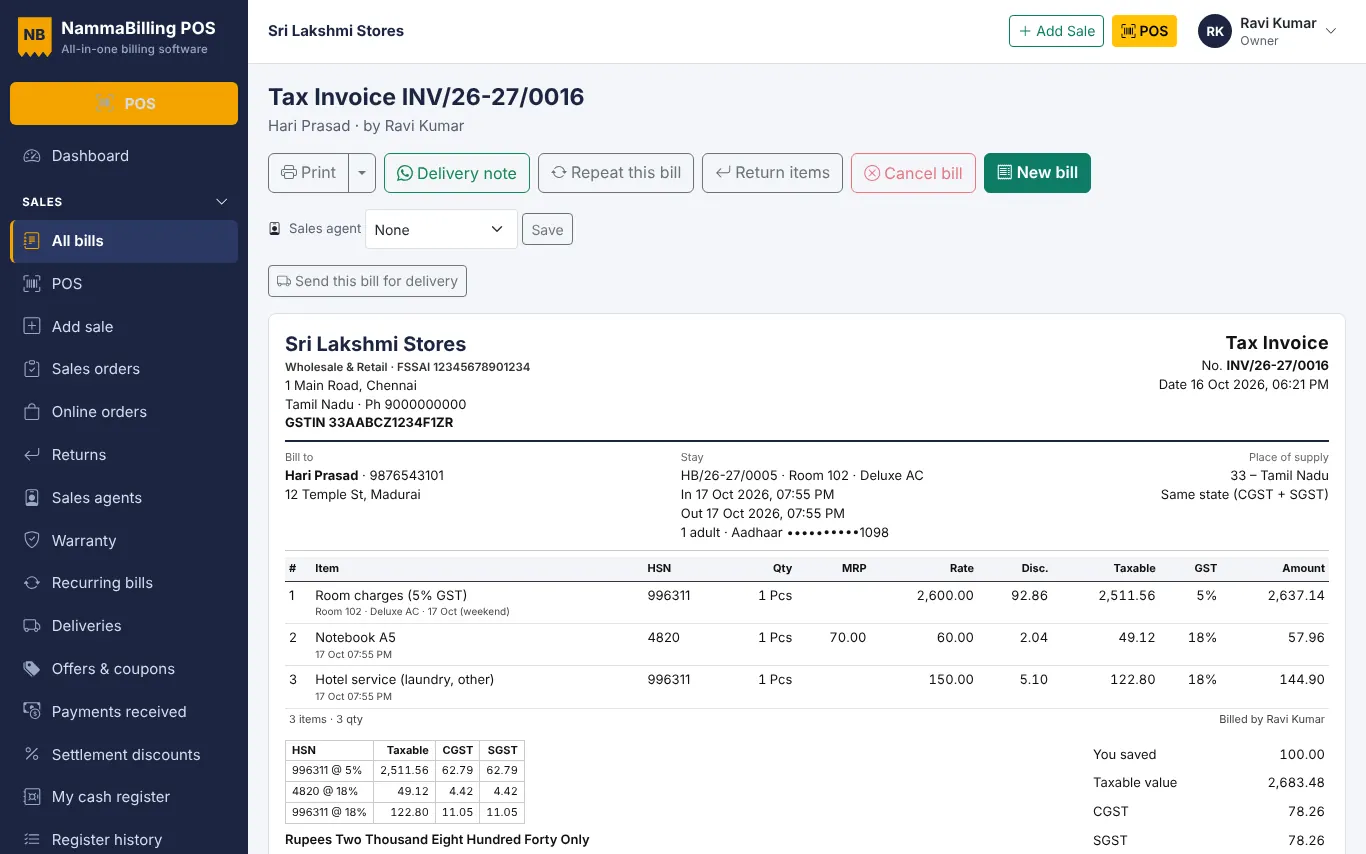
Print on your thermal or A4 printer, or send the bill on WhatsApp. The bill carries the HSN summary, tax split and amount in words.
Use the sample sheets to import products, opening stock, customers and suppliers in minutes.
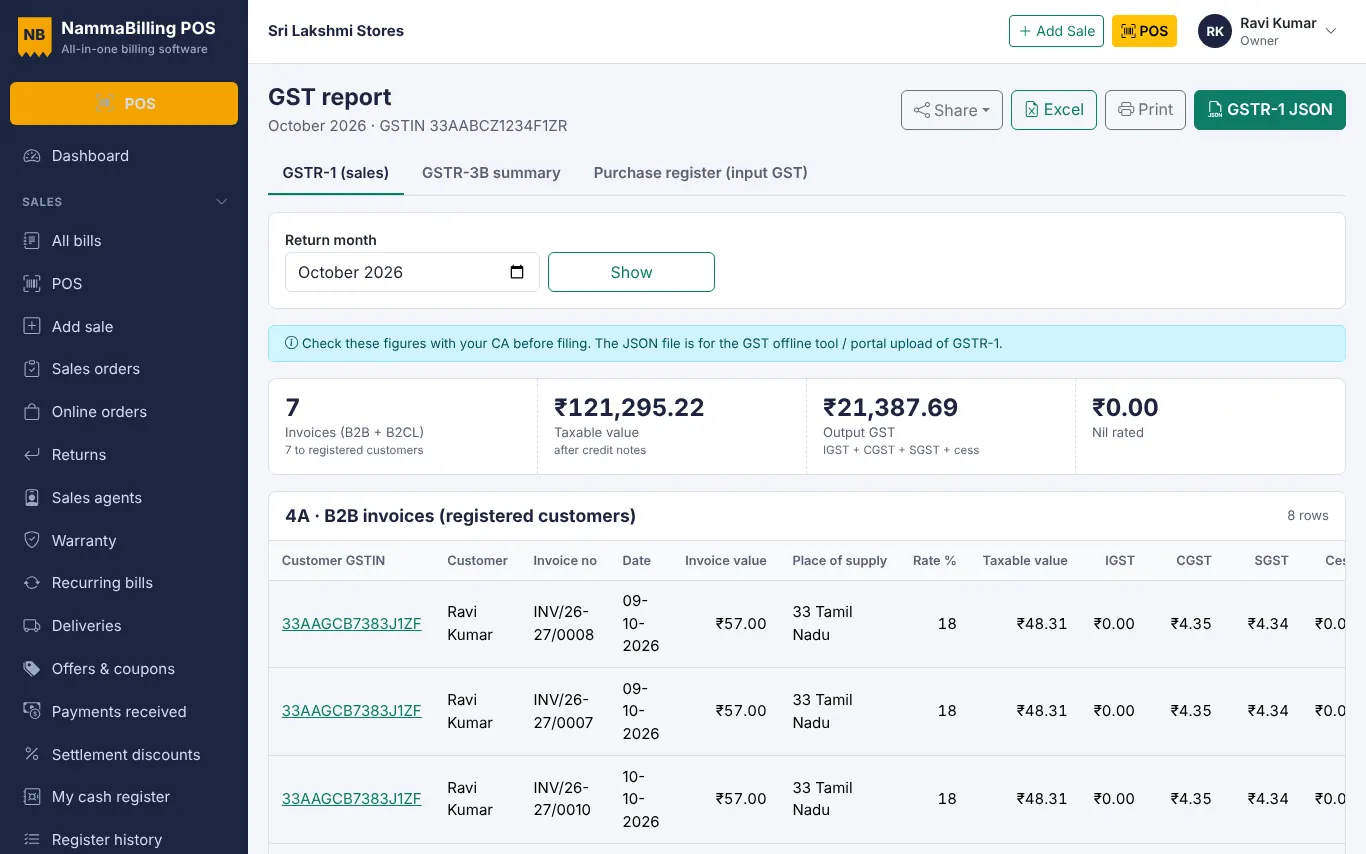
Use the GST report to check B2B, B2C and HSN tables and download the GSTR-1 JSON file.
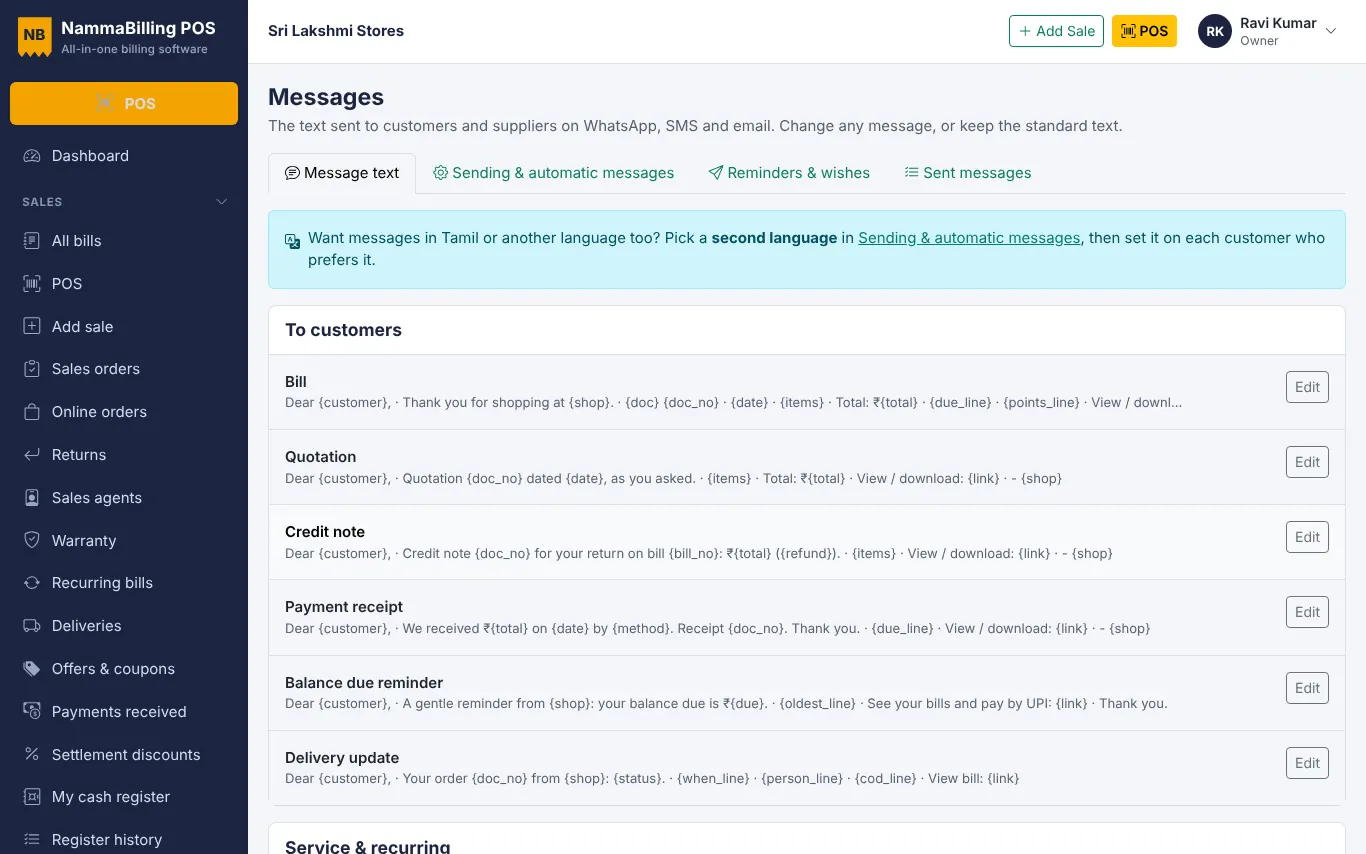
Share bills, receipts and polite due reminders with customers in one tap.
Start free – no card needed.